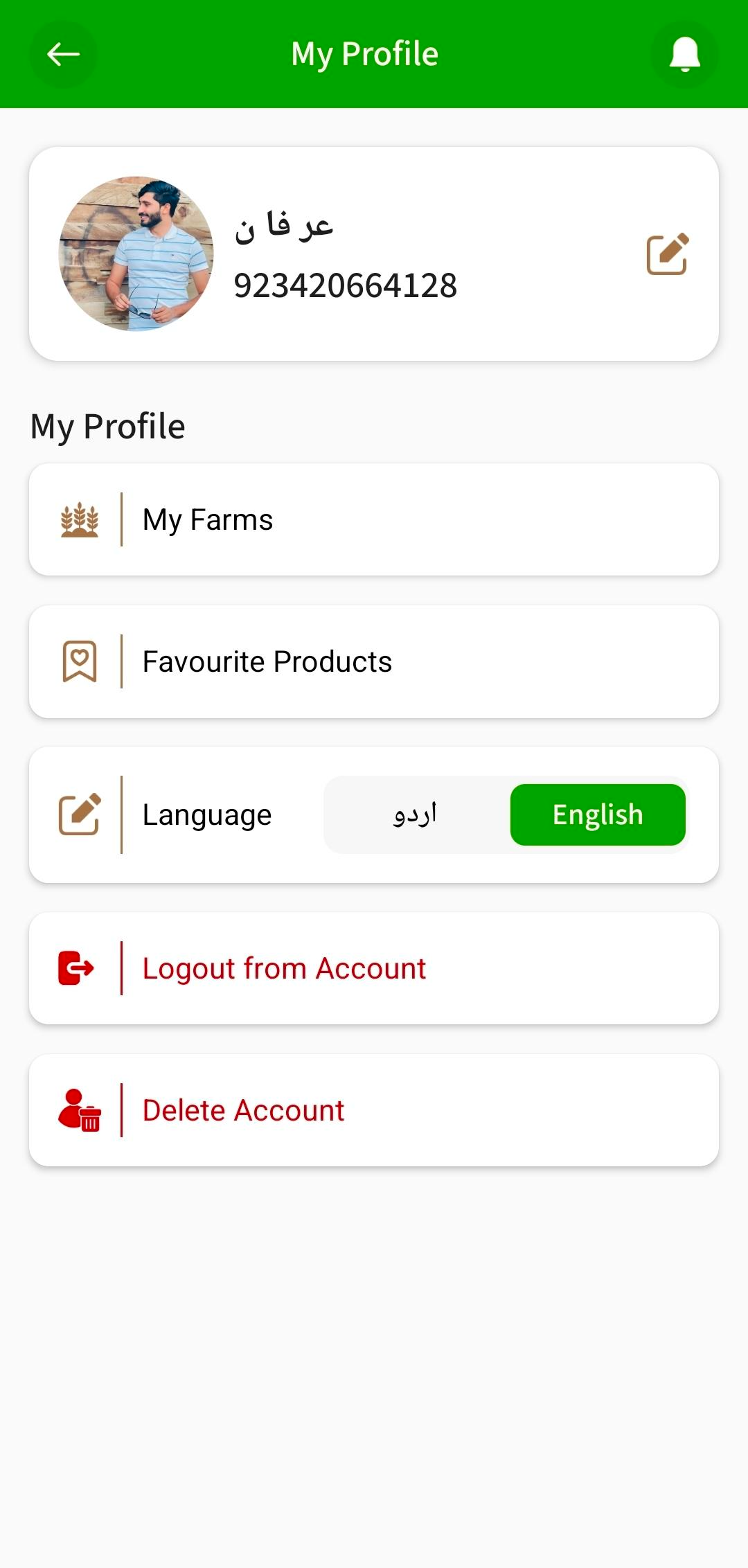
How to Delete Your Account
You can easily delete your account from the Royal Agri App by following these simple steps:
1
Open the app and tap on your Profile icon.
2
In the profile section, you will see the option Delete Account.
3
Tap on Delete Account to continue.
4
A confirmation message will appear. Confirm your action.
5
Once confirmed, your account will be permanently deleted and you will be redirected to the Sign Up screen.
Important Notice
Deleting your account is permanent. This will remove all your saved data, history, and preferences. This action cannot be undone.